One shared grocery list
Photos, prices, and totals — for couples and families. No sign-up required.
Stop juggling chat threads or buying the same milk twice. One live list both phones can edit.


Prefer a single link? Open the download page — free on iPhone and Android.


Shared lists
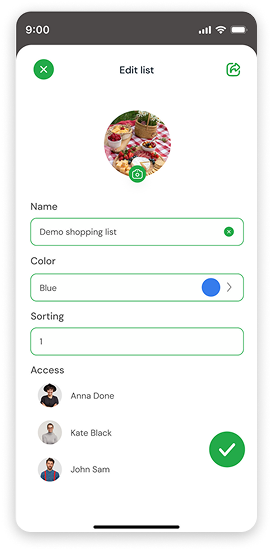
One list, two phones
Live updates for couples and families

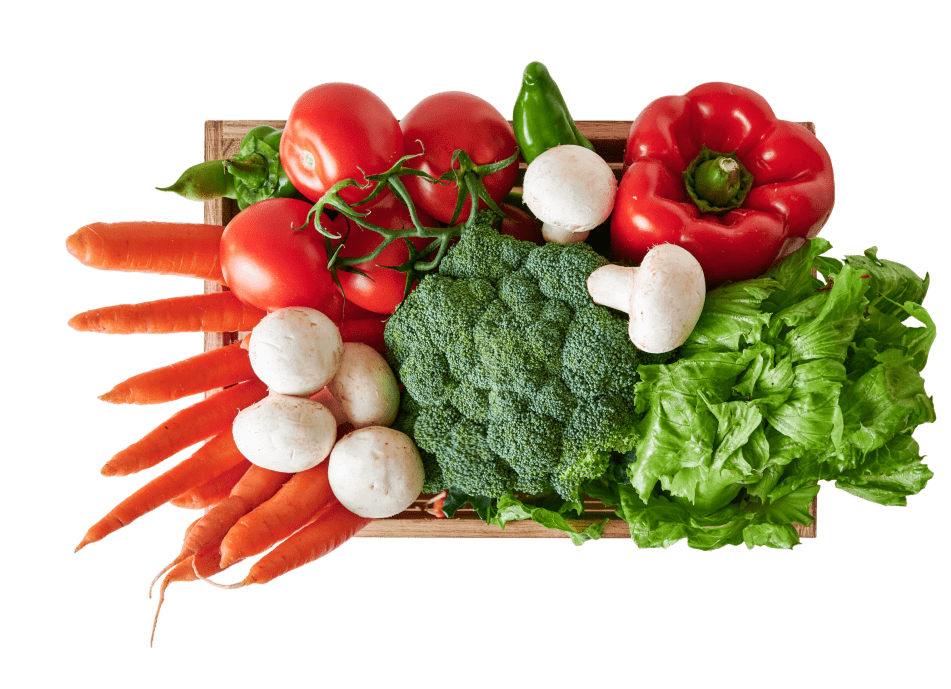
Photos
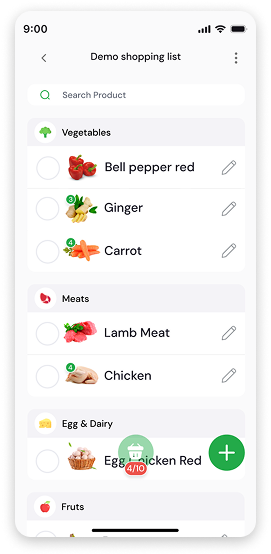
Visual catalog
Spot items faster in the aisle

Prices
Running totals
Know the bill before checkout

No sign-up
Start free
Sign in only when you need to sync

One list beats three
chat threads
Couples and families end up with parallel lists in Messages, duplicate buys, and no idea what the bill will be. Visual Grocery keeps one live grocery list with product photos, prices, and a running total — on both phones.


Visual catalog
Photos so you spot the right item

Add items fast
Build the list in seconds

Live family sync
Both phones stay on one list
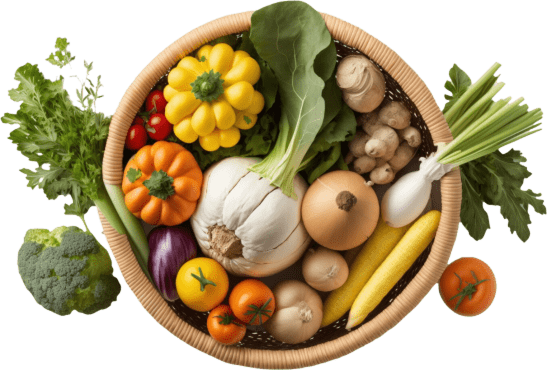

Prices & totals
Know the bill before checkout

Meal plan → list
Turn weekly meals into one shop

No sign-up needed
Start free; sync when you share
Get the shared grocery list app
Start without an account. Invite your partner when you want one live list with photos, prices, and a running total — so nobody buys milk twice.
Plan meals. Share the list. Shop once.
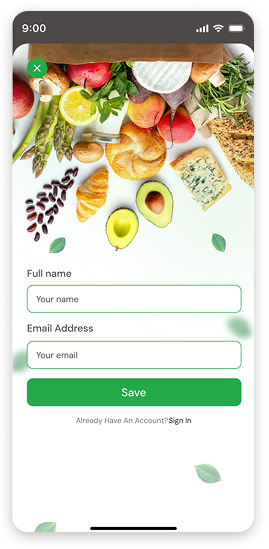
See the shared list in action
Add items with photos, check them off in the aisle, share with your household, and keep a running total. Built for couples and families who want one grocery list — not three notes apps.
Help-first guides
Who Visual Grocery is for
Short pages for the searches that match the product: shared lists, couples/households, meal plan → shop, and prices & totals.


Common questions
FAQ
Shared lists for couples, meal planning → shopping, prices, offline use, and why not a notes app.
Can we share one grocery list as a couple or family?
Yes. Create a list, invite the other person, and both of you see the same items update live. Start free without an account; sign in when you want to sync and share. More in the couples & household guide.
Can I use it with meal planning?
Yes for the shopping side. After you plan meals for the week, add those ingredients to one shared grocery list so whoever shops sees the same items — with photos and a running total. Visual Grocery is a shopping list app, not a recipe planner. See meal plan → shop.
Does Visual Grocery work offline?
Yes. You can build and check off your list without a signal. Changes sync when you are back online.
Can I add prices and see a running total?
Yes. Add prices to items and keep a running total so you know roughly what you will spend before checkout. More in the grocery list with prices guide.
How does sync work between phones?
After you sign in and share the list, updates appear on every phone that has access — useful when one person shops and the other adds items from home.
Why not just use a notes app?
Notes are free-form text. Visual Grocery is built for shopping: product photos, prices and totals, check-off flow, and a shared list that stays in sync.
Ready for one shared list? Download free for iOS & Android
Got Questions? Let's Talk
Contact Us
We are always ready to help! If you have any questions, need support, or want to discuss collaboration opportunities, feel free to reach out to us.